The Saginaw Bay Symphony Orchestra offers a 20% discount on B seating for veterans, EBT/WIC participants, and seniors. If you’ve been thinking about joining us at the Temple Theatre, we hope this makes it a little easier to plan a night at the symphony.
The discount applies to single tickets in B seating. Season tickets, A seating and Premiere seating are not included.
How to select your discounted tickets
Start with our upcoming concerts and open the ticket page for the performance you’d like to attend. These desktop screenshots use Holiday Harmony as an example. Availability, prices and the number of results may change.
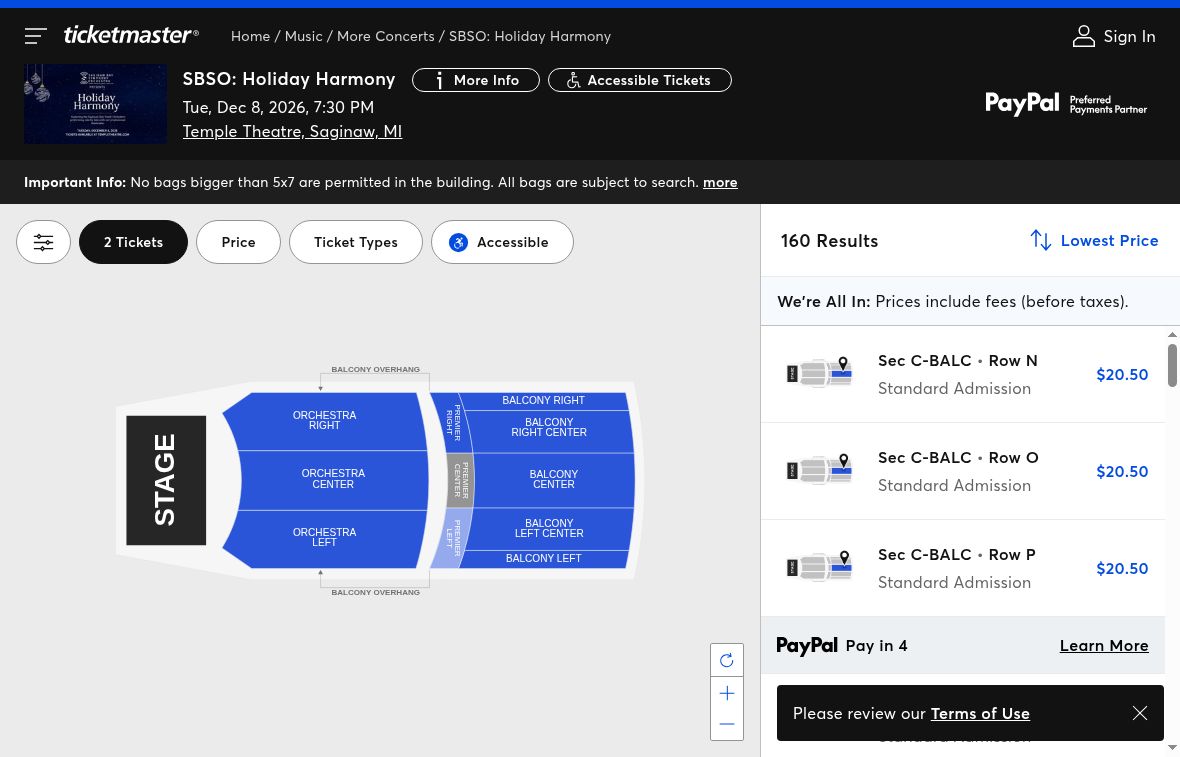
1. Open Ticket Types
On the event’s Ticketmaster page, choose Ticket Types above the seat listings.
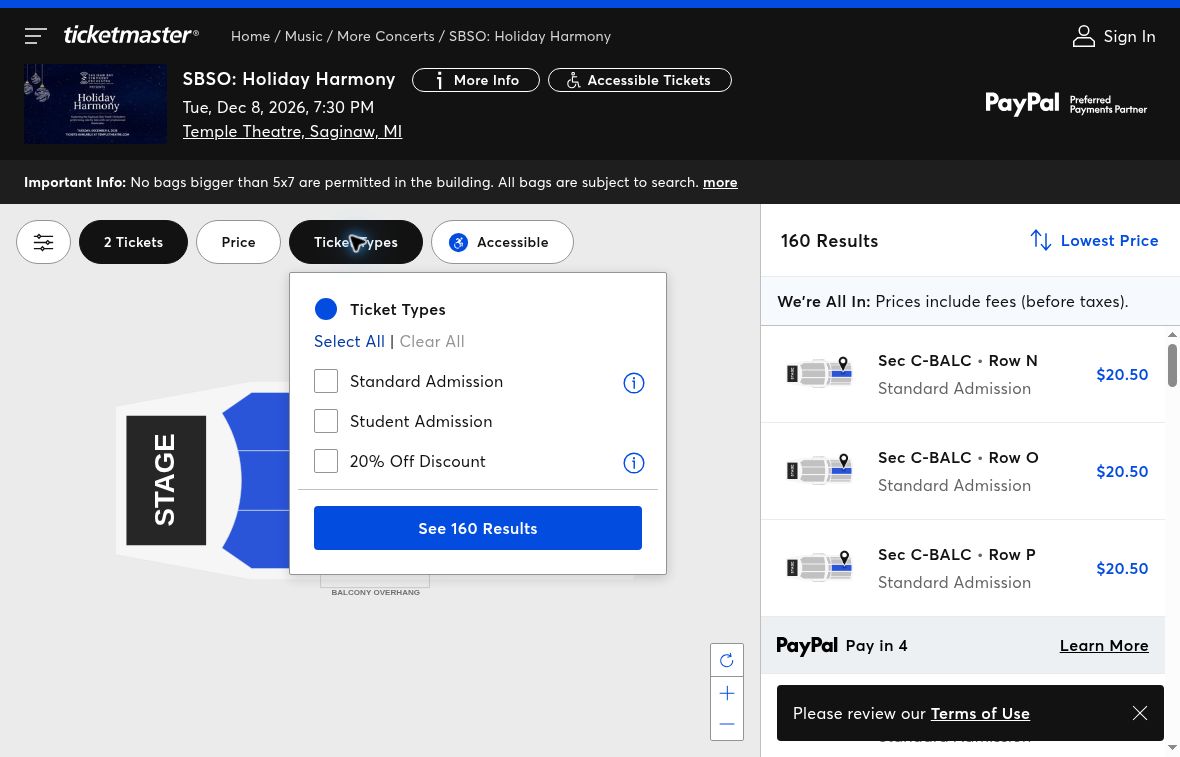
2. Select 20% Off Discount
In the Ticket Types menu, select 20% Off Discount.
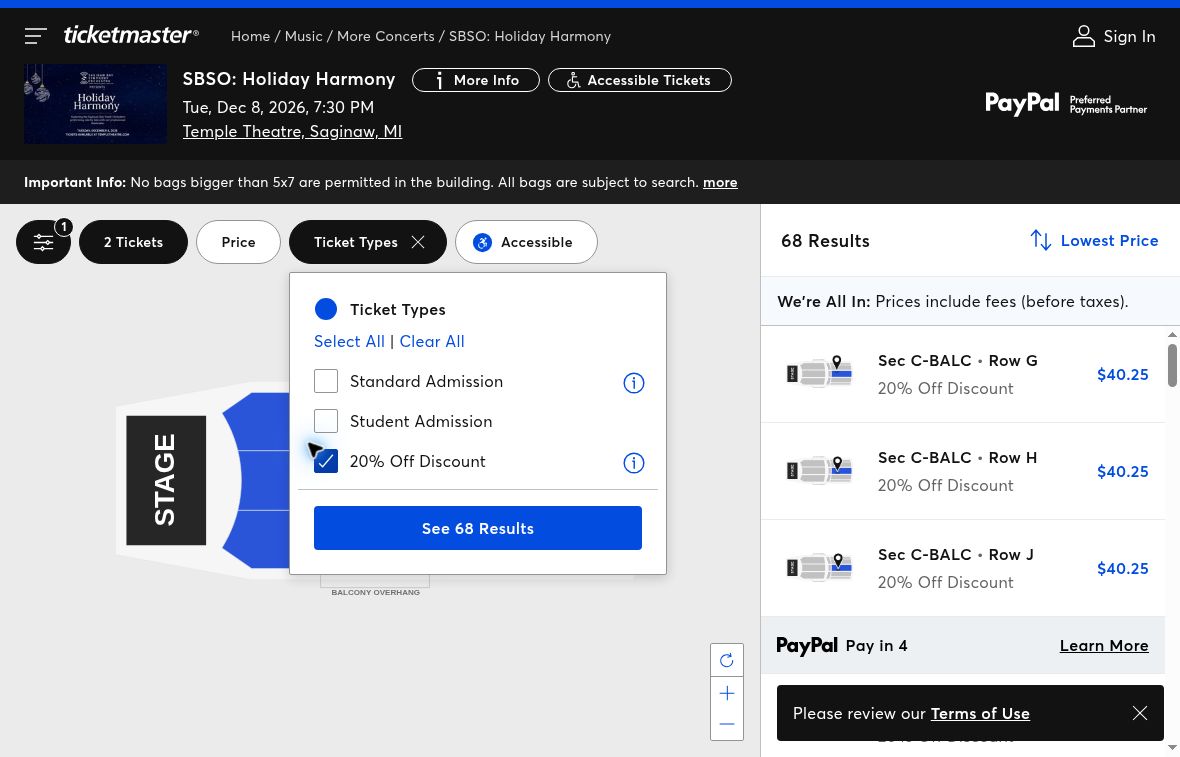
3. Choose See Results
With the discount selected, choose See Results. The button may include the number of matching results.
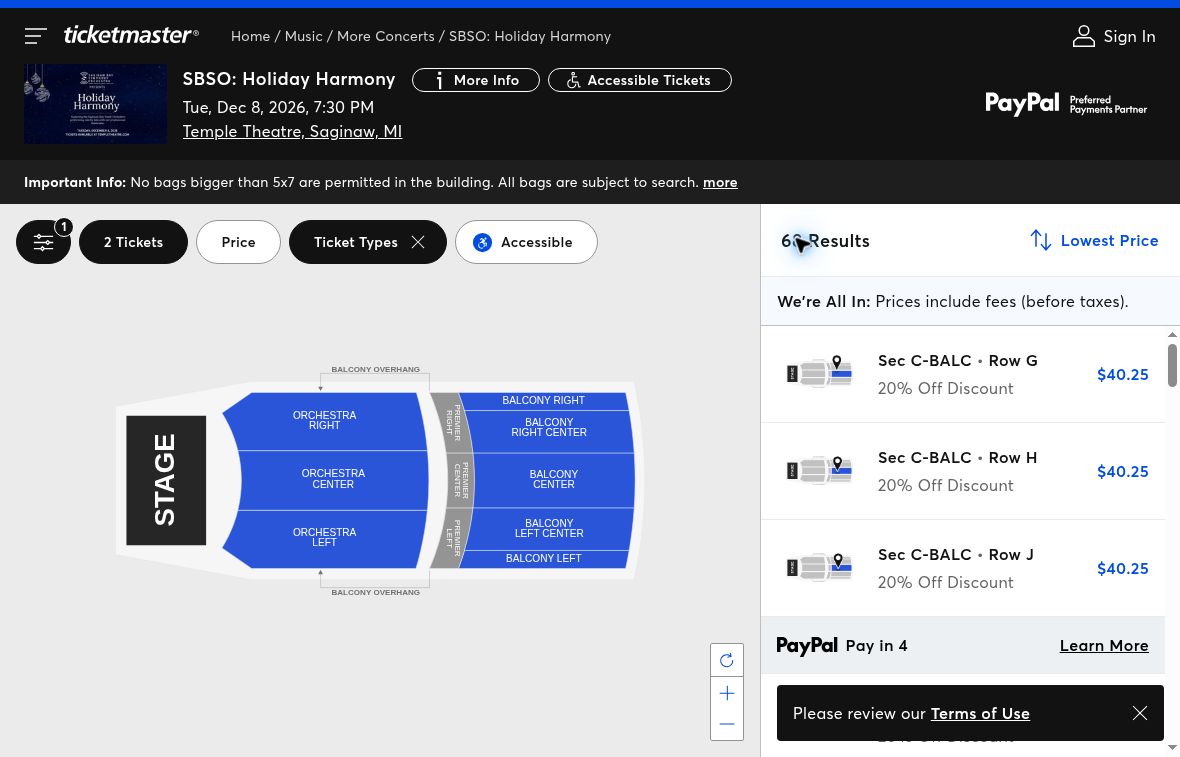
4. Choose an eligible B seat
Choose an available seat listing labeled 20% Off Discount, then review the ticket types offered for that selection.
5. Review your ticket quantity and total
Select the discounted ticket type and quantity you need. Make sure the ticket count matches the number of people attending. If you’re changing a ticket from standard to discounted, check that you haven’t left both ticket types selected for the same attendee.
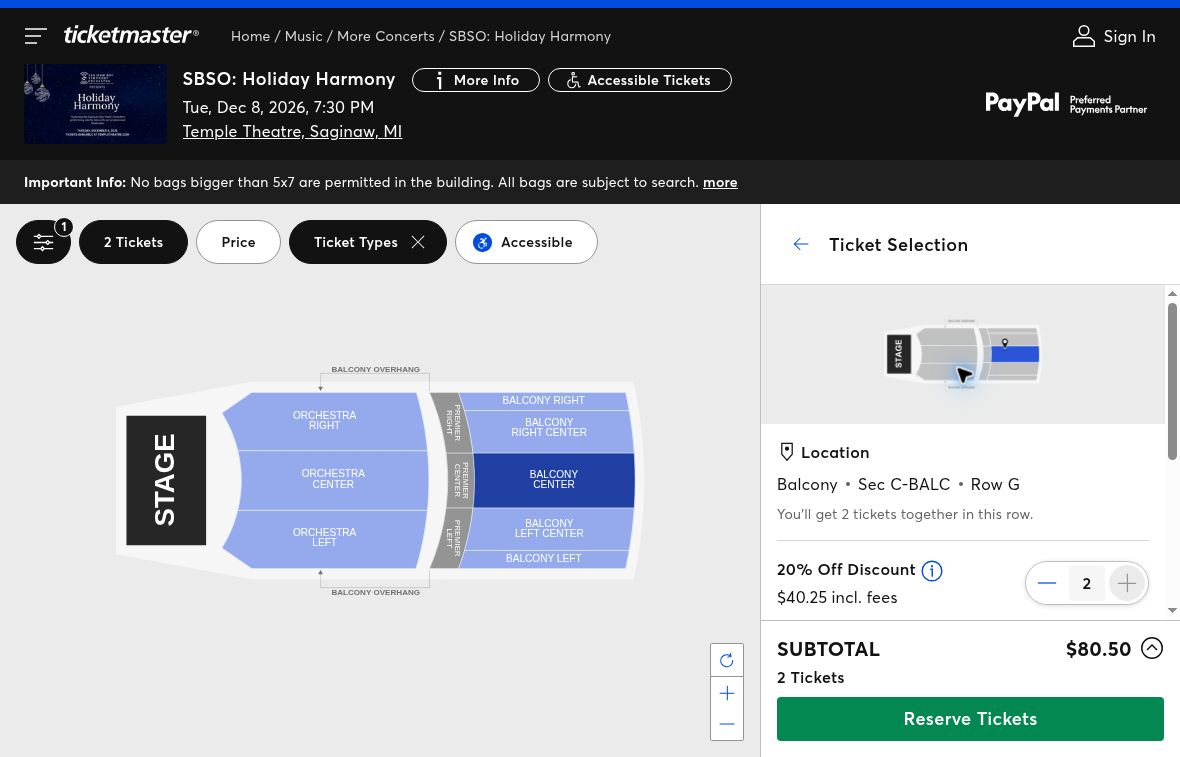
You don’t need a promo code to select the discounted tickets in this desktop flow. Before continuing to checkout, review your seats, ticket quantities and total, including any fees.
Watch the walkthrough
This one-minute, silent walkthrough shows the desktop ticket-selection steps using Holiday Harmony as an example. Follow the on-screen captions or the written steps above.
Planning your visit
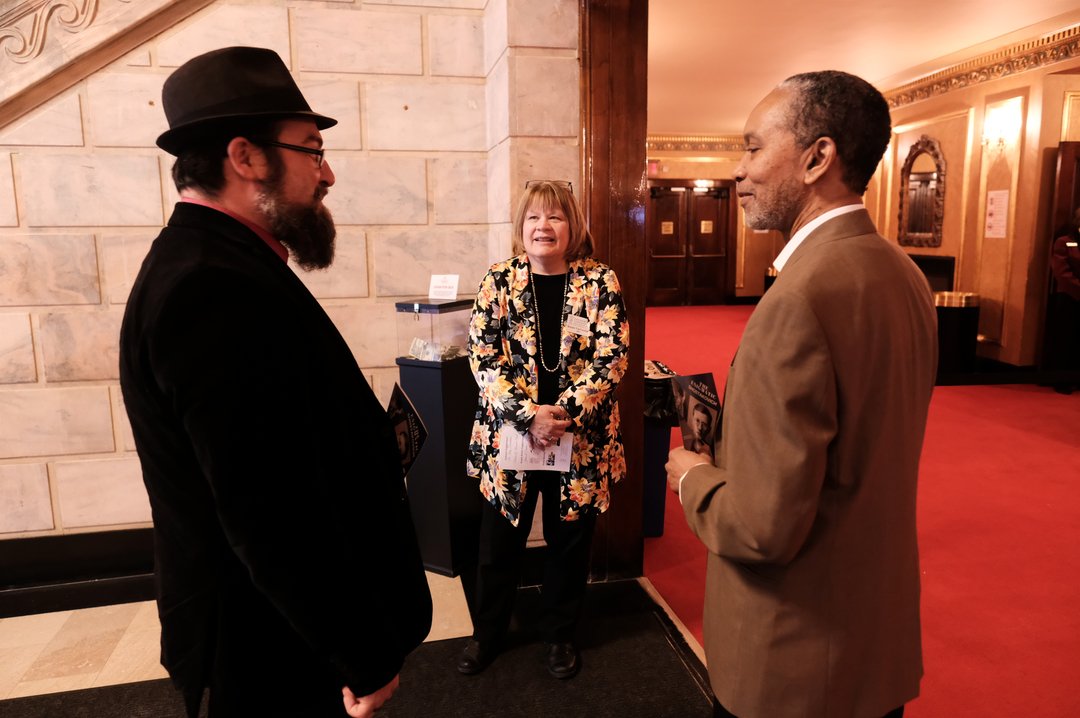
If this will be your first time joining us, our Newcomer’s Guide answers common questions about attending a concert.
Need help finding the discount or choosing your tickets? Call the SBSO office at (989) 755-6471. We’re happy to help you plan your visit.